

Run a Lighthouse scan
1
Open Lighthouse
Go to FIND → Lighthouse.
2
Choose a page
Click your website or a page in the page tree.
3
Start the scan
If the page has no data yet, you see “This page isnt scanned yet”. Click Run Lighthouse Scan.
4
Read the scores
See the four scores and the Last check date. Switch between Mobile and Desktop results. Open the report for each page to see what to improve.
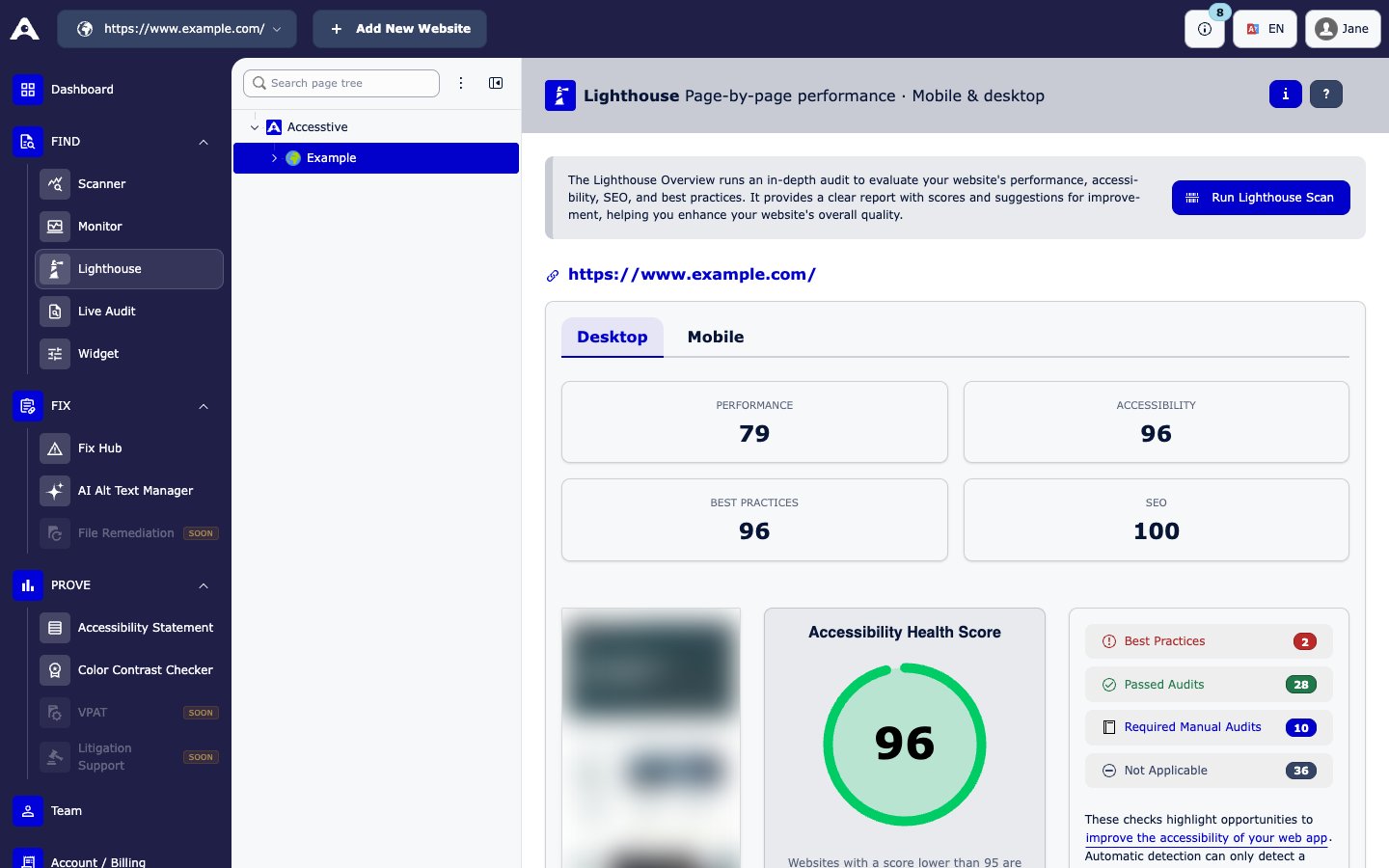
FIND → Lighthouse
Scores can differ slightly from other Lighthouse tools, because results come from the official Lighthouse API and change from run to run.