

What each plan includes
Every paid plan includes the Accessibility Widget, Scanner and Monitor, Live Audit, Fix Hub, the Accessibility Statement generator, and the Color Contrast Checker.
The Free plan lets you try the dashboard with limited features. It does not include monitored pages.
Free trial
Paid plans start with a 14-day free trial. A banner in the dashboard shows how many trial days are left. When the trial ends, choose a plan to keep using paid features.See your plan
Open Account / Billing. Your plan card shows:- Your plan name, status (for example Active, Trial Active, or Expired Plan), and renewal date (Renews)
- Your usage: monitored pages, audit pages, team members, and AI tokens
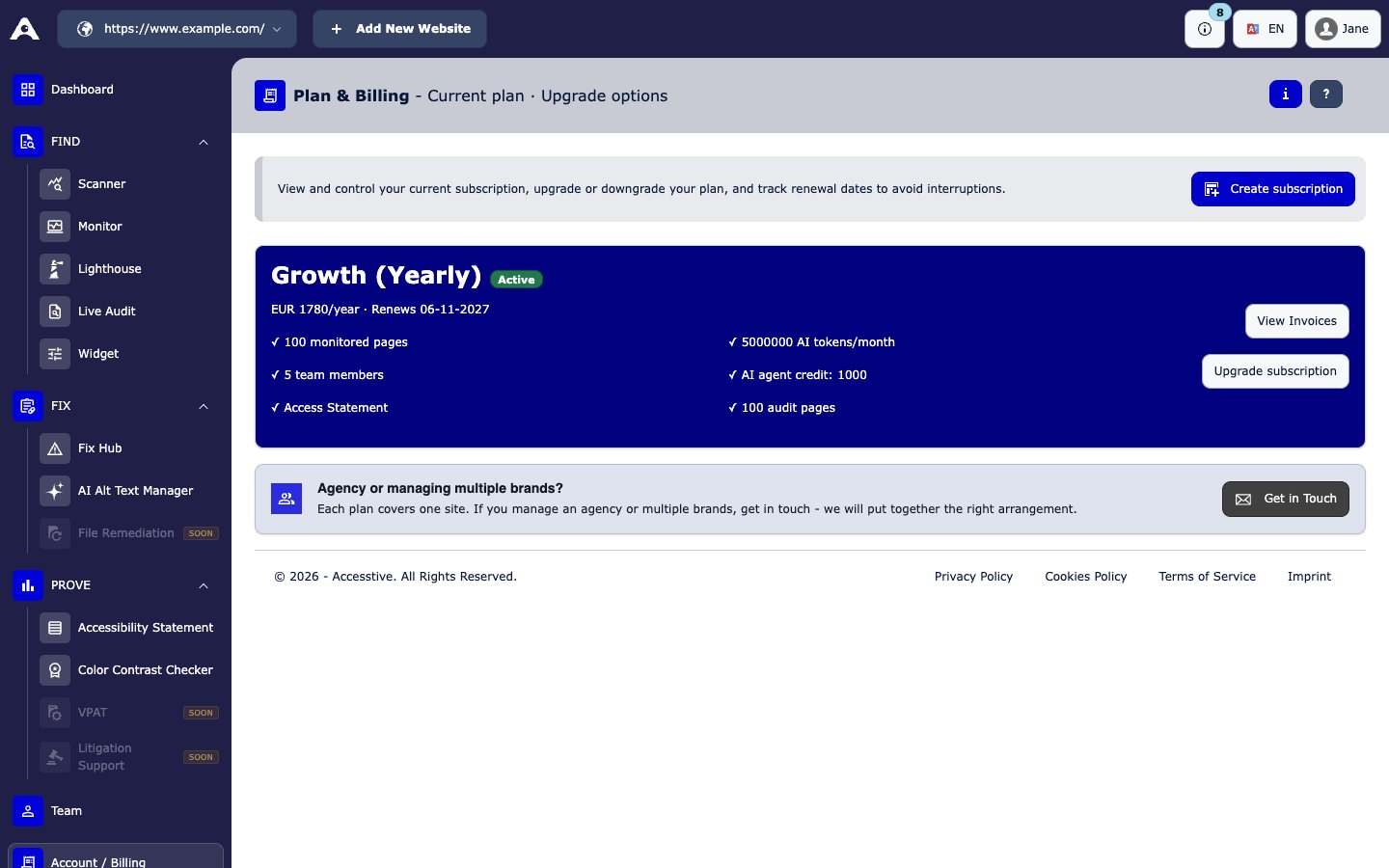
Account / Billing: your current plan
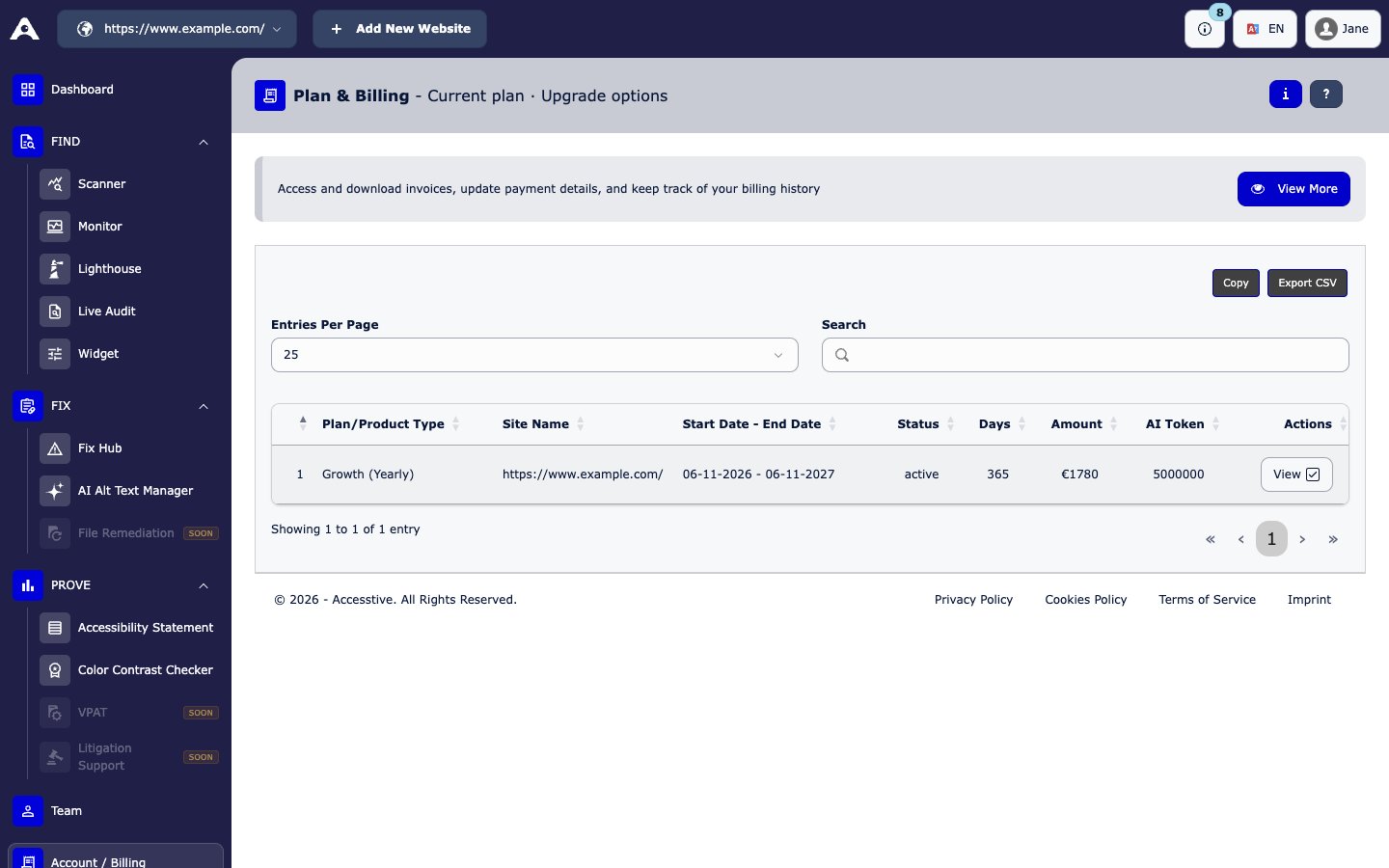
Account / Billing → View Invoices
Subscribe or upgrade
1
Choose a plan
In Account / Billing, pick Monthly or Annual and choose a plan. Click Subscribe Now, Activate Plan, or Upgrade Subscription.
2
Pay
Enter your payment details in the secure Stripe payment form and confirm. Wait while the message “Just a moment, we’re processing your payment.” is shown.
3
Done
Your new plan is active right away. Your new limits show on the plan card.
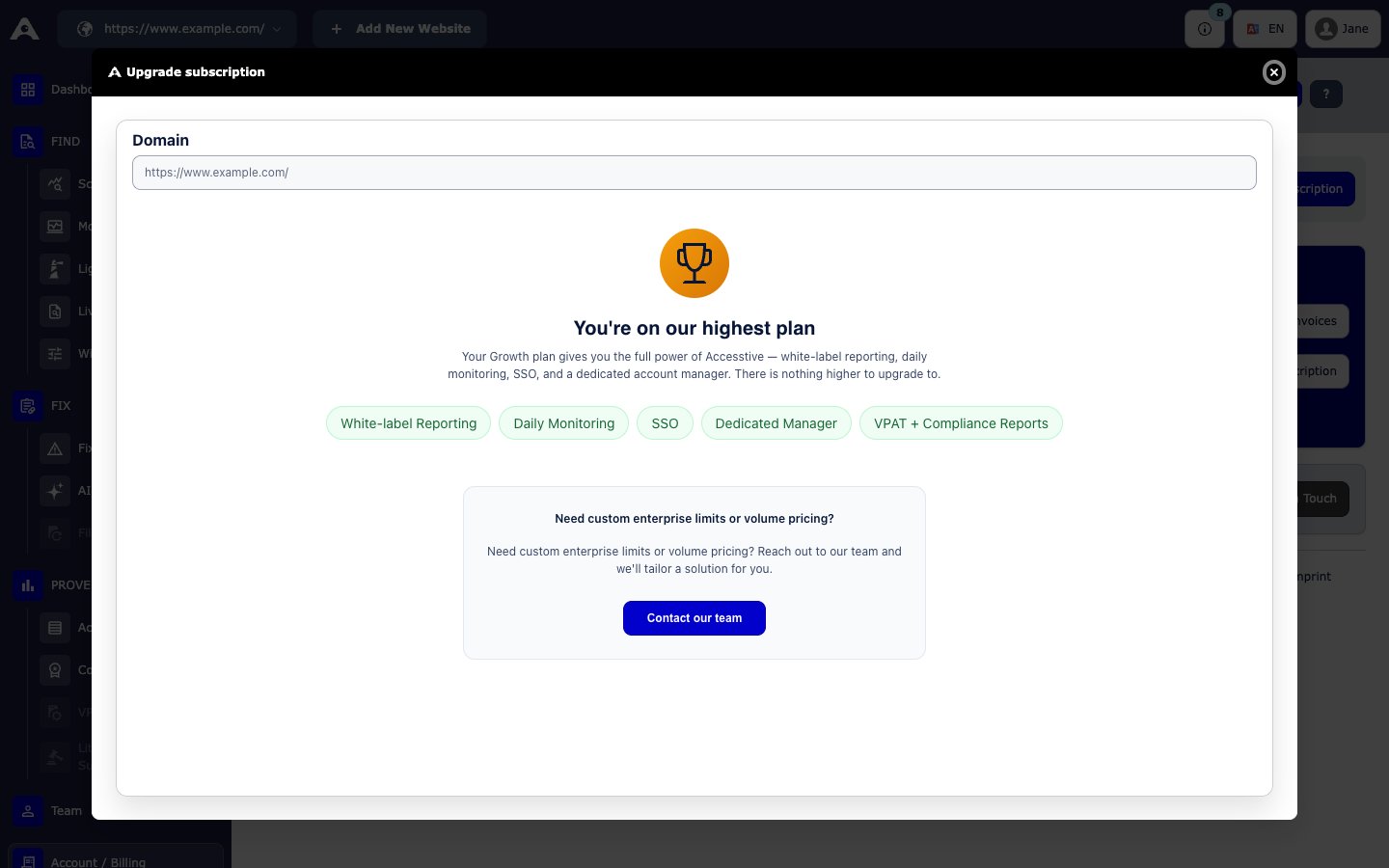
The Upgrade subscription window. On the highest plan it shows that there is nothing higher to upgrade to.
Invoices
Open Account / Billing and click View Invoices. You see each payment with its plan, site, amount, and dates, and you can download the invoice.Cancel your subscription
The plan card does not have a cancel button yet. To cancel, email info@accesstive.com. After cancelling, your plan stays active until the end of the period you already paid for. After that, its status changes to Canceled and paid features stop.Renew an expired plan
If your plan ended, the dashboard shows “Your subscription has ended.” Click Renew in the top bar, or Renew subscription in Account / Billing.Add another website
Each plan covers one website. To add another website, click Add New Website in Account / Billing (or in the website switcher at the top), then choose a plan for it. If you are an agency or manage several brands, choose Get in Touch on the billing page for a custom offer.Money-back guarantee
After you subscribe, you can ask for a refund within 10 days if you are not happy. Email info@accesstive.com.Agency and Enterprise
- Agency partnership: volume pricing, white-label reports, and central management.
- Enterprise: custom page limits, custom AI credits, SSO, and on-premise or self-hosted options.
Experts and add-ons
From the Business plan up, you can book human experts for audits, fixes, VPAT/ACR documents, and help after a legal complaint. See Human Expert Audit and Expert Services.Support
- Email: info@accesstive.com
- Phone: +49 351 48 19 66 61
- Schedule a demo