

Your profile menu
Click your profile icon in the top right corner. The menu shows your Profile information (Name, Mail address, and Phone number) and links to:- User Settings, where you change your password and personal settings
- A switch between the light and dark dashboard look
- Logout
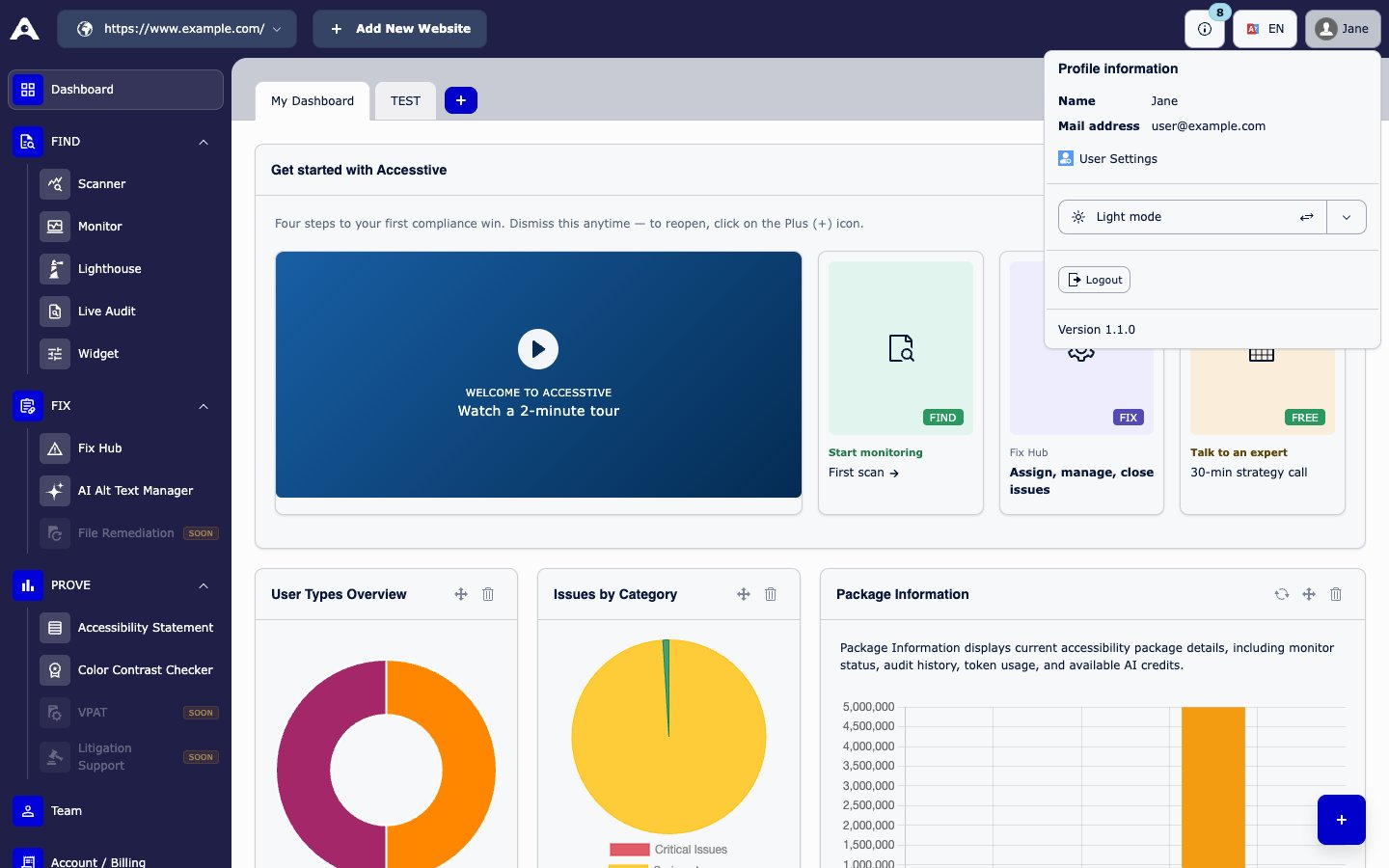
The profile menu in the top bar
Change the dashboard language
Use the language switch in the top bar to show the dashboard in English or German.Switch between websites
If you have more than one website, use Domains in the top bar to switch between them. Every module then shows data for the website you chose. To add a website, see Plans and billing.Delete your account
1
Open the form
Open the Delete My Account page and fill in the Account Deletion Request form. If you cannot find it in the dashboard, email info@accesstive.com.
2
Fill in the form
Enter your Full Name and Email Address, type your current password in Confirm Password, and choose a Reason for Deletion. Submit the form.
3
Confirm by email
You get an email with a confirmation link. Click it to confirm. After that, your account is scheduled for deletion.
- You can send only one deletion request per day.
- If a request is already open, you see “You already have a pending account deletion request.”
- If the link has expired, request a new one.
- Cancel any paid plan first in Account / Billing so you are not charged again.